An image search engine app
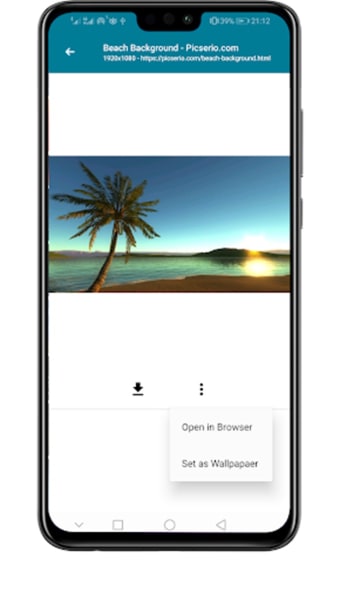
User-friendly and convenient, Image Downloader by boussbaa is a free tool that functions as a dedicated search engine for photos. As the name implies, it allows you to look up any image for your viewing pleasure. For easy tracking, all photos include a link to their original source that you can access via the “Open in Browser” button.
Top Recommended Alternative
.webp)
In addition to search filters and a browsing history feature, Image Downloader — like Google Chrome — boasts a Safe Search function for blocking potentially inappropriate content. Unfortunately, this app lacks built-in image-editing features.
Type a keyword to get started
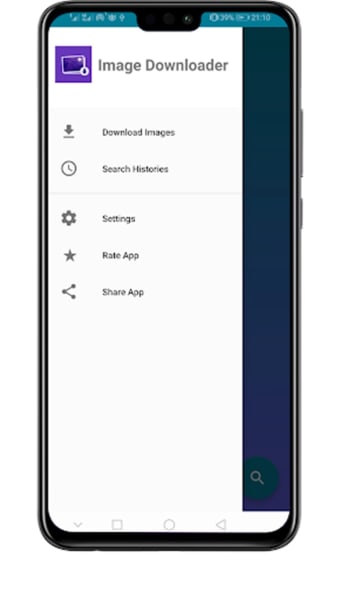
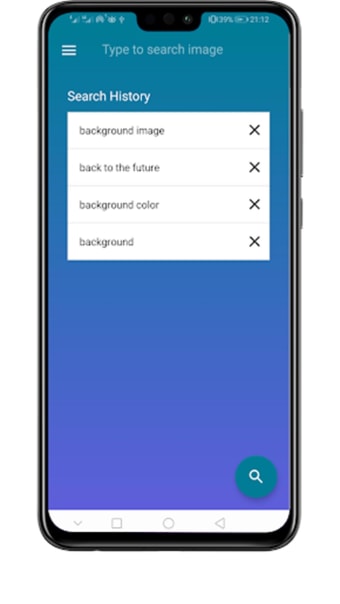
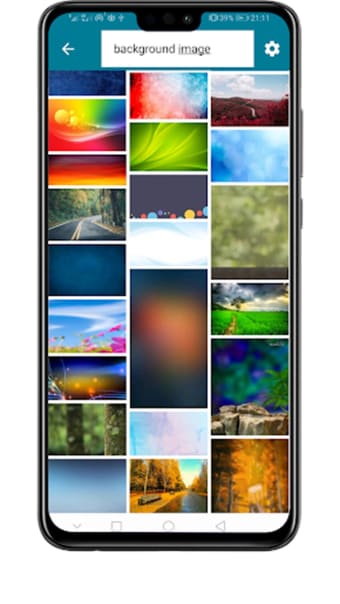
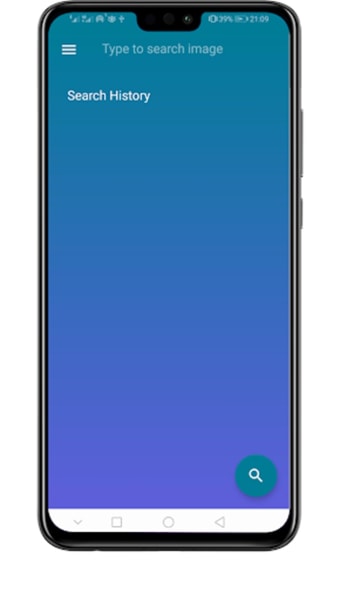
The main interface of Image Downloader consists of a “Search History” display, a hamburger menu, and two image search functions — one at the top of the screen and another at the lower right corner. Similar to Google, typing a keyword on the search bar will bring up a dropdown menu of related keywords. With the search results displayed in an easy-to-scroll format, you can be sure to find the perfect image for your needs.
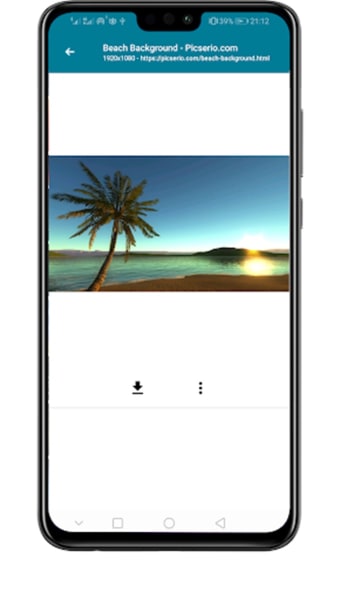
Tap on a search result to view or open an image using a browser. However, pressing the download button causes the screen to freeze and turn black, rendering the app unusable. Force closing the program, though, only remedies the freezing and black screen issue. Another way is to tap “Open in Browser” and download the image from the source itself. Although it has a wallpaper function, you can’t crop an image or set it as either your home screen or lock screen wallpaper.
Image filters and missing features
Image Downloader’s search settings include filters for date, image type, color, and size — each with their own set of specific parameters. The “Time” filter lets you search any image at any point in time in the last 24 hours or the past seven days. With the “Type” filter, the search results will be tailored based on an image type, such as clip art, line drawings, GIFs, and the like. However, if you’re looking for full-color, transparent, or black-and-white images, the “Color” filter will be of great help to you.
Finally, the “Size” indexes results according to any of the following parameters: “Any size,” “Large,” “Medium,” and “Icon.” However, it would be better if the sizes were indicated in pixels or inches, so users have a clearer idea of what they’re looking for. Furthermore, the absence of basic features, such as a zoom function, reverse image search capabilities, and voice search support make the app a not-so-great choice for users.
An incomplete app
On the plus side, Image Downloader’s best features are its Safe Search option and four search filters, so you can avoid not only explicit content but also help you locate the image you want. However — despite being marketed as a downloader — the program’s image-saving capabilities don’t exactly work as intended due to screen freezing and black screens. Fortunately, there are better programs out there like Image Downloader, Image Search.


.png)